How to View Local Google Ads in Other Cities (Without Wasting Ad Spend)

If you are running Google Ads for a business that targets multiple cities or countries, verifying your ad placements is a daily necessity. You need to know exactly what your potential customers are seeing when they search for your keywords.
Are your ads showing up in the top spot? What copy are your local competitors using? Are unauthorized competitors bidding on your branded terms in other regions?
For example, if you are an agency sitting in Auckland, New Zealand, but managing a campaign for a client in Sydney, Australia, you can't just open a new tab and Google their keywords. Google will show you the ads targeting Auckland, not Sydney.
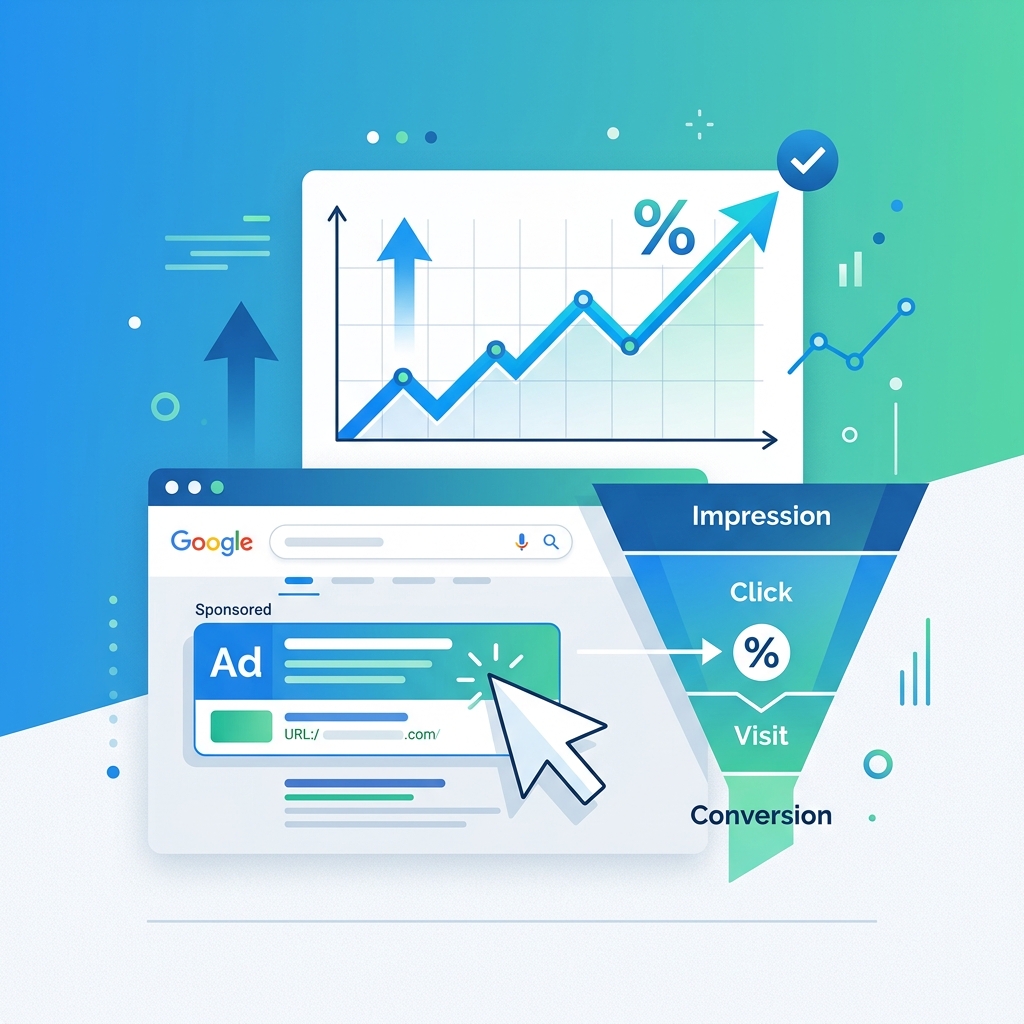
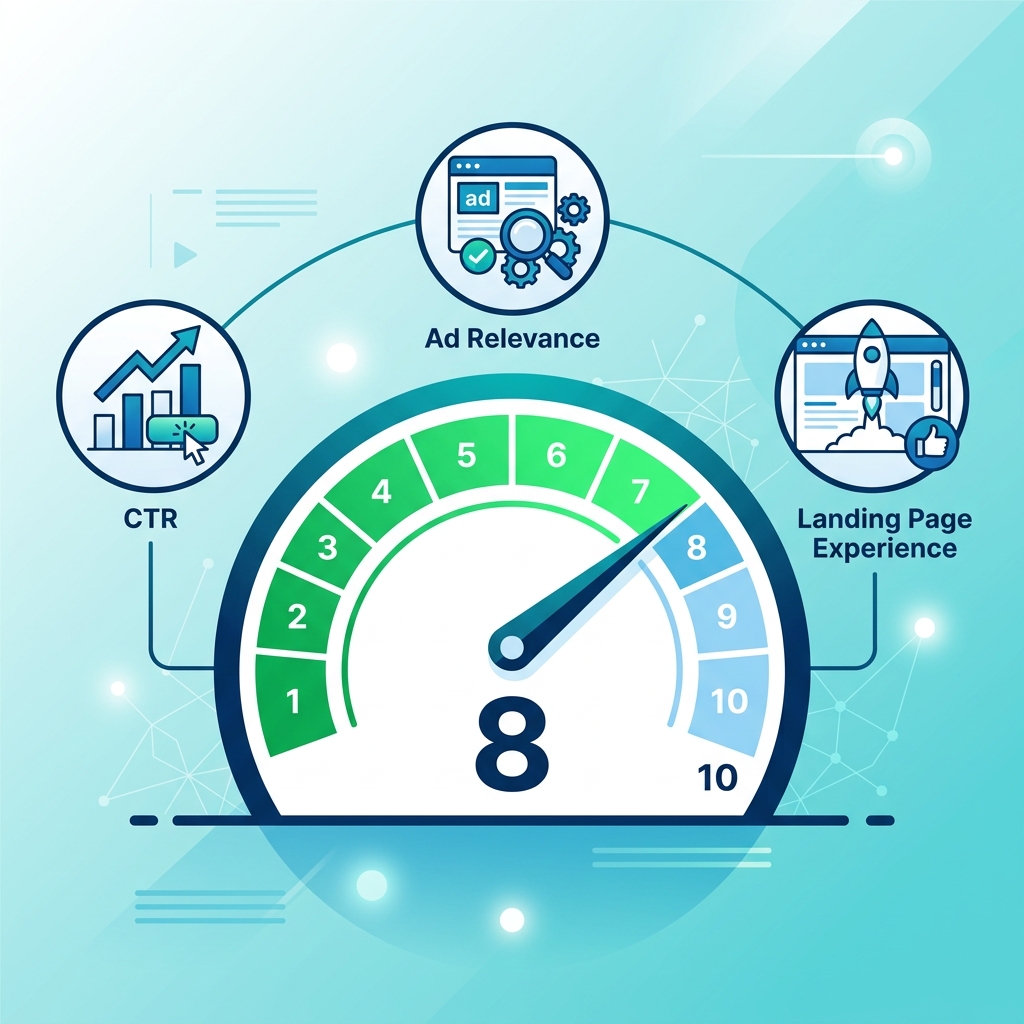
Even worse, if you try to "force" the search and continuously look for your own ads without clicking them, you will artificially lower your own Click-Through Rate (CTR), which can hurt your Quality Score and increase your Cost Per Click (CPC).
Here is the safest and most accurate way to view local Google Ads in other cities without ruining your campaign metrics.
Method 1: Use a Search Location Simulator (The Fastest Method)
The most efficient way to check live, localized search results and ads without logging into Google Ads or messing with your IP address is to use a search parameter simulator.
Simulators allow you to view the exact Search Engine Results Page (SERP)—including the paid search ads at the top and bottom of the page—exactly as they appear to a user in your target country and language.
How to do it:
- Navigate to a free search simulator like QueryFrom.
- Enter the keyword you are bidding on (e.g., "emergency plumber").
- Set the target Country (e.g., Australia) and Language (e.g., English).
- Hit search.
Why PPC Marketers use this: Because it utilizes Google's own background URL parameters (gl for geographic location and hl for language), it doesn't log the search as a localized "impression" that negatively impacts your actual local CTR. It is the fastest way to instantly see what competitors are doing in a foreign market.
Method 2: The Google Ad Preview and Diagnosis Tool
Google actually provides an official tool specifically designed for this purpose, located inside your Google Ads dashboard. The Ad Preview and Diagnosis tool helps you see which ads are appearing for your keyword without accumulating impressions.
How to do it:
- Log into your Google Ads account.
- Click on Tools and Settings (the wrench icon) in the top menu.
- Under the "Planning" section, click on Ad Preview and Diagnosis.
- Enter your search term and adjust the Location, Language, and Device settings.
The Pros: It is official and directly tells you why your specific ad might not be showing (e.g., budget exhausted, bid too low). The Cons: It is incredibly clunky if you just want to do a fast check. You have to be logged into your Ads account, navigate through menus, and it isn't easy to share the results with a client who doesn't have dashboard access.
Method 3: Change Your Chrome Search Settings
If you don't want to use a third-party tool and don't want to log into Google Ads, you can manually change your region settings directly inside Google Chrome.
How to do it:
- Go to Google.com and perform your search.
- Look for the Settings gear icon (usually at the top right of the search results page or at the very bottom footer).
- Click Search settings -> Other settings.
- Look for Language and region.
- Change the "Results region" to your target country and save.
The Cons: While this works for country-level ad tracking, it is tedious. You have to remember to switch your settings back when you are done, otherwise, all your personal web searches will continue showing results for another country.
Why You Shouldn't Use a VPN to Check Local Ads
Many marketers assume turning on a Virtual Private Network (VPN) is the best way to check local ads. While VPNs do change your IP address to a new city, they are notoriously unreliable for Google Ads research.
Google's anti-fraud systems are highly aware of IP addresses associated with popular VPNs (like NordVPN or ExpressVPN). Because Google knows that traffic coming from a server farm isn't a "real" local consumer, they will often alter the search results, hide localized ads entirely, or present you with an endless loop of CAPTCHAs.
Summary: Work Smarter, Not Harder
Tracking your competitor's ad copy and verifying your own placements shouldn't take ten minutes of tweaking browser settings or logging into complex dashboards. A simple location simulation tool will save you hours of frustration every week.
Further Reading
- Understand how location targeting works: The Complete Guide to Google Ads Location Targeting
- Learn what affects your ad position: How Click-Through Rate Affects Your Google Ads Performance
- See the full SERP context: The Anatomy of a Google Search Results Page in 2026
Digital marketer specializing in Local SEO and PPC. James has spent years helping businesses and agencies understand what their customers actually see on Google — and built QueryFrom to make that process faster for everyone.