How Click-Through Rate Affects Your Google Ads Performance
Click-Through Rate (CTR) is one of the most important metrics in Google Ads, yet it's often misunderstood. Many advertisers focus exclusively on conversions and cost-per-acquisition while ignoring the metric that fundamentally determines how much they pay and where their ads appear.
In this guide, we'll explain exactly what CTR is, why Google cares about it so much, what constitutes a "good" CTR, and how to systematically improve yours.
What Is Click-Through Rate?
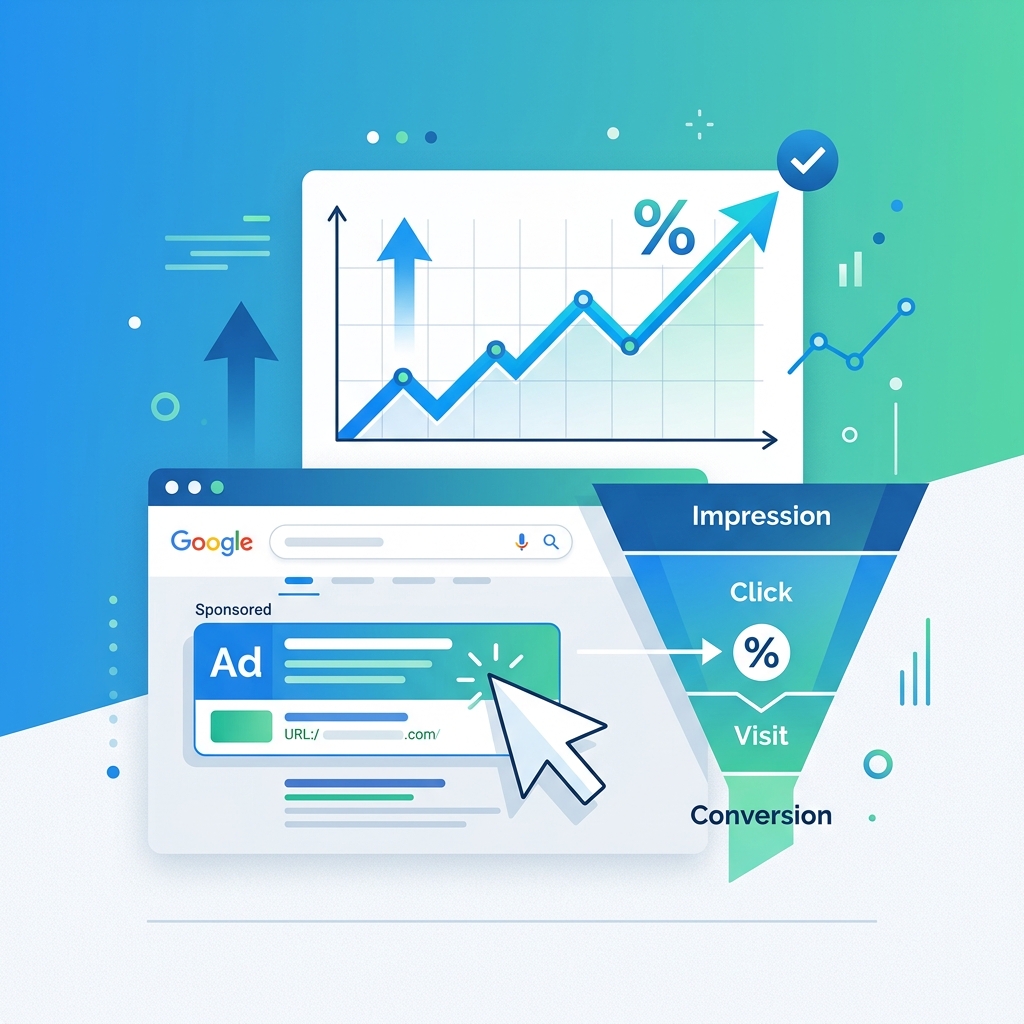
Click-Through Rate is the percentage of people who click your ad after seeing it. The formula is simple:
CTR = (Clicks ÷ Impressions) × 100
If your ad was shown 1,000 times and received 50 clicks, your CTR is 5%.
Why Google Cares About Your CTR
Google's advertising business model depends on user trust. If Google consistently shows ads that nobody clicks on, users will learn to ignore the ad section entirely—which means Google loses revenue.
For this reason, Google rewards ads with high CTRs and penalizes ads with low CTRs:
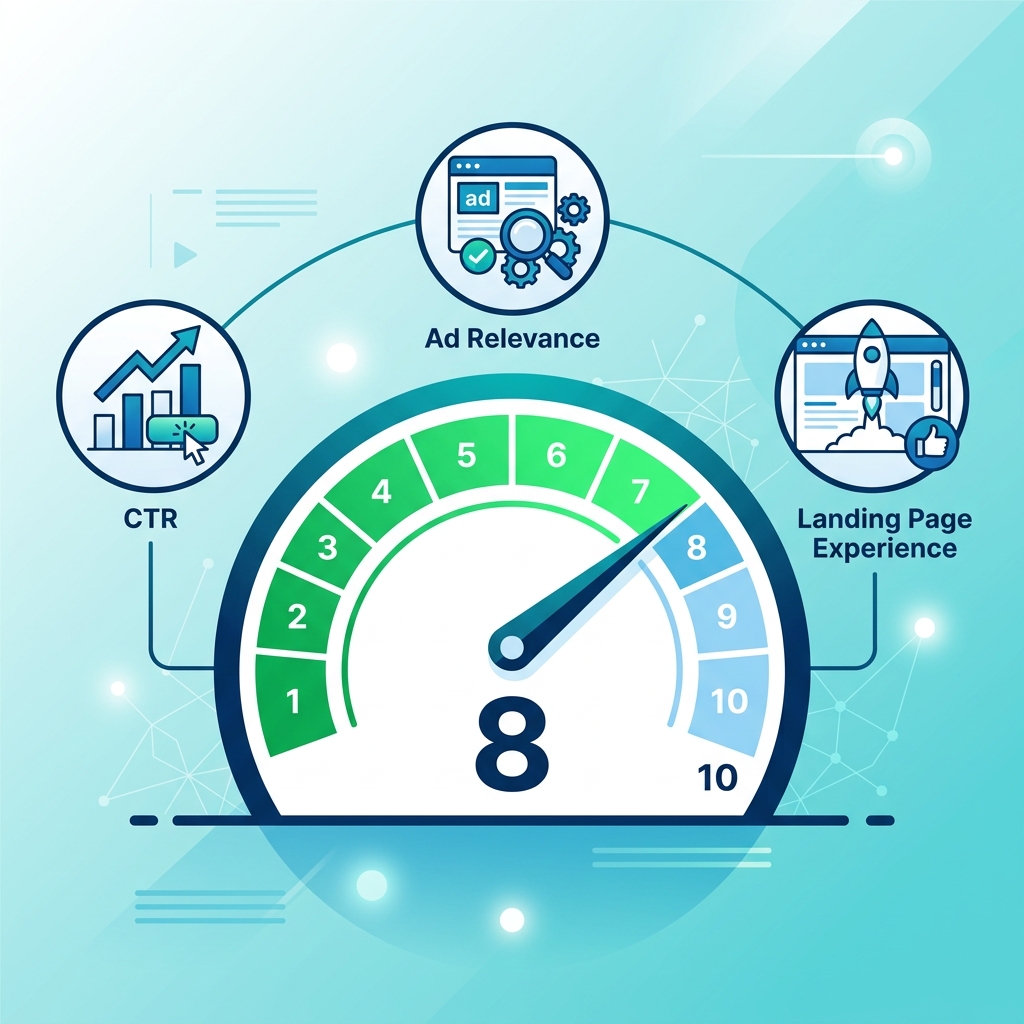
CTR and Quality Score
CTR is the single most influential component of Quality Score. An ad with consistently high CTR signals to Google that it's relevant and valuable to users, which earns a higher Quality Score. A higher Quality Score means:
- Lower cost per click — you pay less for the same position
- Better ad positions — you outrank competitors even with a lower bid
- Higher impression share — Google shows your ad more often
CTR and Ad Rank
Your Ad Rank (which determines your position on the page) is calculated using your bid, Quality Score, and the expected impact of your ad extensions. Since Quality Score is heavily influenced by CTR, a high CTR directly improves your position.
The CTR Spiral
This creates a virtuous (or vicious) cycle:
- High CTR → Higher Quality Score → Lower CPC → Better position → Even higher CTR
- Low CTR → Lower Quality Score → Higher CPC → Worse position → Even lower CTR
Breaking out of a negative CTR spiral requires active intervention.
What Is a "Good" CTR?
CTR benchmarks vary significantly by industry, keyword type, and ad position. Here are general guidelines for Google Search ads:
| Industry | Average CTR |
|---|---|
| Legal | 4-5% |
| Healthcare | 3-4% |
| Home Services | 4-5% |
| E-Commerce | 2-3% |
| B2B / SaaS | 2-3% |
| Real Estate | 3-4% |
Important context:
- Branded keywords (searches for your company name) typically have CTRs of 10-30%
- Broad, informational keywords may have CTRs below 2%
- Position 1 ads typically have CTRs 2-3x higher than Position 3 ads
- Mobile CTRs are generally higher than desktop due to limited screen space
Don't compare your overall account CTR to benchmarks. Compare at the ad group or keyword level for meaningful insights.
Strategies to Improve CTR
1. Write Headlines That Match Search Intent
The most common reason for low CTR is a disconnect between what the user searched and what the ad headline says.
Before: "Quality Home Services Available Now" After: "Emergency Plumber — Available in 30 Minutes"
The second headline directly addresses the user's likely intent and urgency.
2. Include Numbers and Specifics
Specific claims outperform vague promises every time:
Before: "Affordable Dental Care" After: "Dental Cleaning from $89 — Book Online Today"
Numbers create credibility and set expectations, which encourages clicks.
3. Use All Available Ad Extensions
Extensions increase the visual size of your ad on the SERP, which naturally increases CTR:
- Sitelink extensions — add 4 additional links below your ad
- Callout extensions — add trust-building phrases like "Free Estimates" or "5-Star Rated"
- Structured snippet extensions — highlight specific services or features
- Call extensions — add a clickable phone number
- Location extensions — show your business address and distance
Google's own data shows that ads with extensions have 10-15% higher CTRs on average.
4. Test Multiple Ad Variations
Never run a single ad per ad group. Create at least 3-5 variations and let Google's system identify the best performer. Test different:
- Headline angles (benefit vs. feature vs. urgency)
- Calls-to-action ("Book Now" vs. "Get a Quote" vs. "Learn More")
- Value propositions (price vs. quality vs. speed)
5. Improve Keyword-to-Ad Group Alignment
If an ad group contains 50 loosely related keywords, your ad copy can't be relevant to all of them. Restructure into tighter ad groups:
Before: One ad group with "plumber," "pipe repair," "water heater installation," "drain cleaning" After: Four separate ad groups, each with specific ads matching those service lines
6. Use Negative Keywords Aggressively
Irrelevant impressions drag down your CTR. If your plumbing ad is appearing for "plumbing jobs" or "plumbing school," those impressions will never result in clicks but will count against your CTR.
Review your Search Terms report weekly and add irrelevant queries as negative keywords.
7. Optimize for Mobile
Mobile ads have limited space. Ensure your most important message is in Headline 1, because Headline 3 (and sometimes Headline 2) may be truncated on smaller screens.
CTR Red Flags to Watch For
- CTR below 1%: Your ads may stop showing. Investigate immediately
- Sudden CTR drop: Could indicate a new competitor, seasonal shift, or ad fatigue
- High CTR but low conversions: Your ad may be attracting clicks from the wrong audience—tighten your targeting or keyword match types
- CTR declining over time: Ad fatigue is natural. Refresh your ad copy every 4-6 weeks
Further Reading
- Understand what drives CTR: How Google Ads Quality Score Works: A PPC Beginner's Guide
- Optimize where your ads appear: The Complete Guide to Google Ads Location Targeting
- Learn what your competitors' ads look like: How to Perform a Local PPC Ad Copy Teardown
Key Takeaways
- CTR directly impacts Quality Score, which controls your costs and ad positions
- Industry benchmarks range from 2-5% for Search ads — compare at the keyword level
- The highest-impact improvement is better keyword-to-ad alignment
- Use all available extensions to increase ad visibility and CTR
- Monitor Search Terms reports and aggressively exclude irrelevant queries
- Refresh ad copy regularly to combat natural ad fatigue
Digital marketer specializing in Local SEO and PPC. James has spent years helping businesses and agencies understand what their customers actually see on Google — and built QueryFrom to make that process faster for everyone.