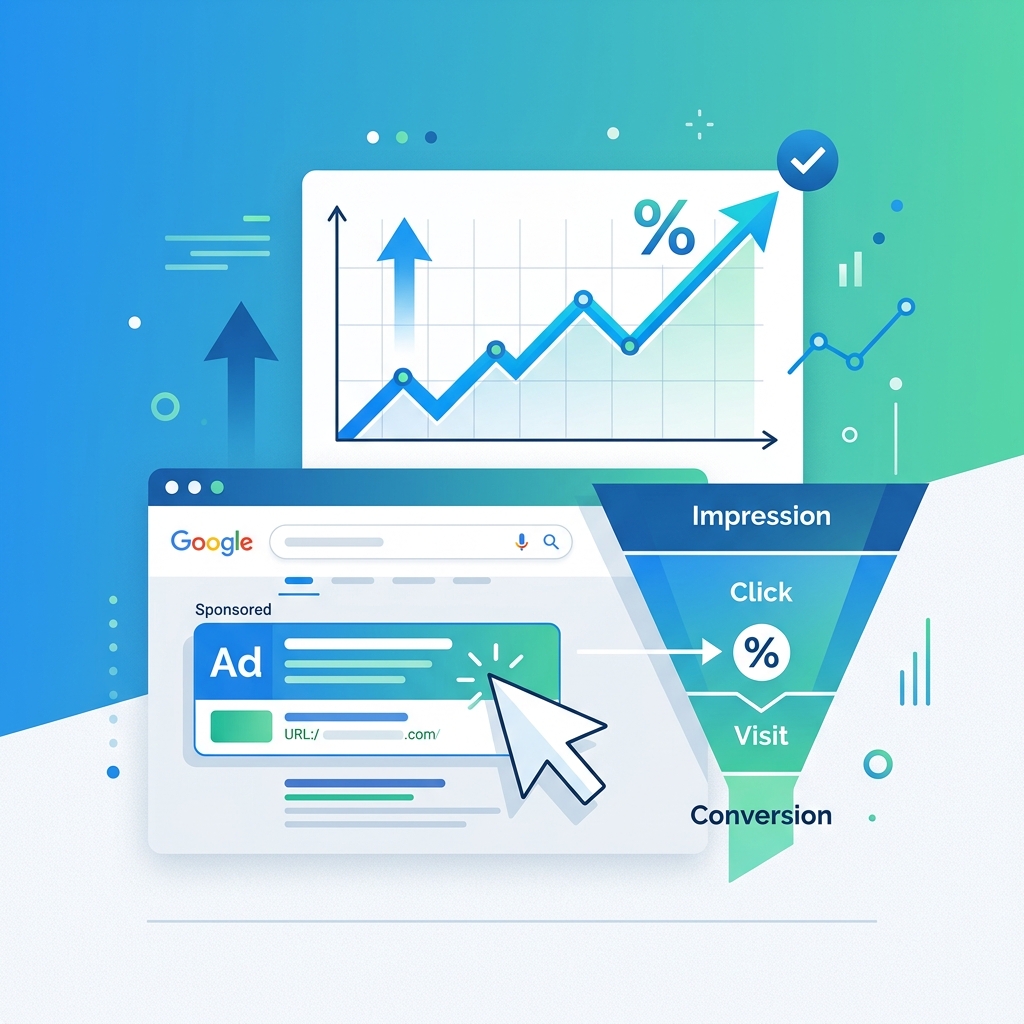
How Google Ads Quality Score Works: A PPC Beginner's Guide
If you're spending money on Google Ads, Quality Score is one of the most important metrics you need to understand. It directly affects how much you pay per click, where your ads appear, and whether they show up at all.
Yet many advertisers—even experienced ones—treat Quality Score as a mystery. In this guide, we'll demystify exactly how it works and give you actionable strategies to improve it.
What Is Quality Score?
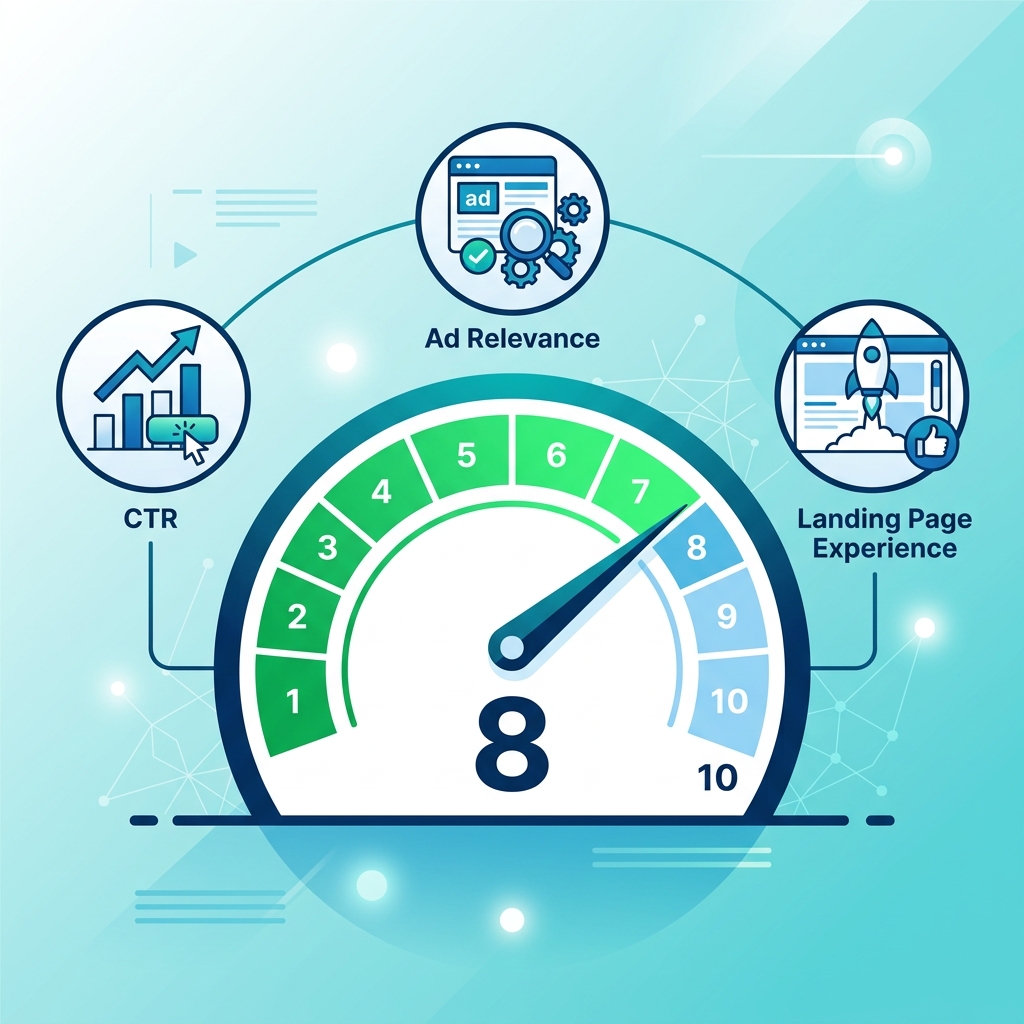
Quality Score is Google's rating of the quality and relevance of your keywords, ads, and landing pages. It's measured on a scale of 1 to 10, with 10 being the highest.
Think of it as Google's report card for your advertising. A high Quality Score tells Google that your ad is relevant and useful to searchers, which rewards you with lower costs and better positions. A low Quality Score means Google thinks your ad is a poor match, which penalizes you with higher costs and worse placements.
The Three Components of Quality Score
Quality Score is calculated from three distinct components, each rated as "Above Average," "Average," or "Below Average":
1. Expected Click-Through Rate (CTR)
This is Google's prediction of how likely users are to click on your ad when it appears for a particular keyword. It's based on:
- Historical CTR performance of the keyword
- The position of the ad (adjusted to normalize across positions)
- The search network (Search vs. Display)
A high expected CTR means Google believes your ad is compelling and relevant to the search query.
2. Ad Relevance
This measures how closely your ad copy matches the intent behind the user's search query. Google analyzes:
- Does the keyword appear in the ad headline?
- Does the ad copy address the searcher's likely need?
- Is there a logical connection between the keyword and the ad's message?
If someone searches for "emergency plumber" and your ad headline says "Affordable Home Renovations," your ad relevance will be low.
3. Landing Page Experience
This evaluates the quality and relevance of the page users land on after clicking your ad. Google considers:
- Relevance: Does the landing page content match the ad and keyword?
- Usefulness: Does the page provide valuable information or a clear path to conversion?
- Navigation: Is the page easy to navigate with clear calls-to-action?
- Load speed: Does the page load quickly, especially on mobile devices?
- Transparency: Is the business legitimate with clear contact information?
How Quality Score Affects Your Ad Performance
Ad Rank
Your position on the search results page is determined by Ad Rank, which is calculated as:
Ad Rank = Quality Score × Maximum Bid × Expected Impact of Extensions
This means a higher Quality Score can compensate for a lower bid. An advertiser with a Quality Score of 9 bidding $3 can outrank a competitor with a Quality Score of 3 bidding $8.
Cost Per Click
Google uses a second-price auction model. You don't pay your maximum bid—you pay the minimum amount needed to maintain your position. A higher Quality Score reduces this amount:
Actual CPC = (Ad Rank of the advertiser below you ÷ Your Quality Score) + $0.01
In practice, advertisers with Quality Scores of 8-10 often pay 30-50% less per click than those with scores of 4-5 for the same keyword.
Ad Eligibility
If your Quality Score is very low (1-3), Google may simply not show your ad at all, regardless of how high you bid. This is Google's way of protecting the user experience from irrelevant advertisements.
Practical Strategies to Improve Quality Score
Improve Expected CTR
- Write compelling headlines that include the target keyword
- Use numbers and specifics ("Save 40%" beats "Save Money")
- Include a clear call-to-action ("Book Free Consultation Today")
- Test multiple ad variations and let the data guide your decisions
- Use responsive search ads with 10+ headlines and 4+ descriptions
Improve Ad Relevance
- Organize campaigns into tight ad groups with closely related keywords
- Mirror the keyword in your ad headline naturally
- Create separate ad groups for different service lines rather than cramming everything into one
- Use Dynamic Keyword Insertion (DKI) cautiously for broad keyword sets
Improve Landing Page Experience
- Create dedicated landing pages for each ad group (don't send all traffic to your homepage)
- Match the landing page headline to the ad headline and keyword
- Ensure fast load times (under 3 seconds on mobile)
- Include trust signals (reviews, certifications, guarantees)
- Make the conversion action obvious (prominent form, click-to-call button)
- Ensure mobile responsiveness — over 60% of Google searches happen on mobile
Common Quality Score Myths
"I can see my real-time Quality Score." The Quality Score shown in your dashboard is a snapshot estimate, not a real-time value. Google calculates the actual score at auction time using many more signals than the three visible components.
"Quality Score applies to all match types equally." Quality Score is technically calculated at the exact-match keyword level. Broad match and phrase match keywords inherit a Quality Score based on how closely the search query matches the keyword.
"Pausing and restarting a keyword resets its Quality Score." No. Google retains historical performance data. Pausing a keyword doesn't erase its history.
Further Reading
- See how Quality Score interacts with clicks: How Click-Through Rate Affects Your Google Ads Performance
- Master location settings to complement your quality: The Complete Guide to Google Ads Location Targeting
- Protect your budget from wasted spend: The 'Negative Keyword' Shield for Local PPC
Key Takeaways
- Quality Score is rated 1-10 and measures keyword, ad, and landing page quality
- It's built from three components: expected CTR, ad relevance, and landing page experience
- Higher Quality Scores lead to lower costs per click and better ad positions
- The most impactful improvements come from tight ad group structure and dedicated landing pages
- Quality Score is an estimate — the real calculation happens at auction time with additional signals
Digital marketer specializing in Local SEO and PPC. James has spent years helping businesses and agencies understand what their customers actually see on Google — and built QueryFrom to make that process faster for everyone.