What is a SERP? A Complete Guide to Search Engine Results Pages
If you have ever typed a query into Google and looked at the page of results that appeared, you have already interacted with a SERP. But what exactly is it, and why does it matter so much to marketers?
SERP stands for Search Engine Results Page. It is the page that Google (or any search engine) displays after a user submits a search query. Every element on that page—from the blue links to the ads, maps, images, and featured snippets—is a SERP feature designed to answer the user's question as quickly and accurately as possible.
Understanding the anatomy of a SERP is the foundation of both Search Engine Optimization (SEO) and Pay-Per-Click (PPC) advertising. If you don't know what you're looking at, you can't optimize for it.
The Core Components of a Google SERP
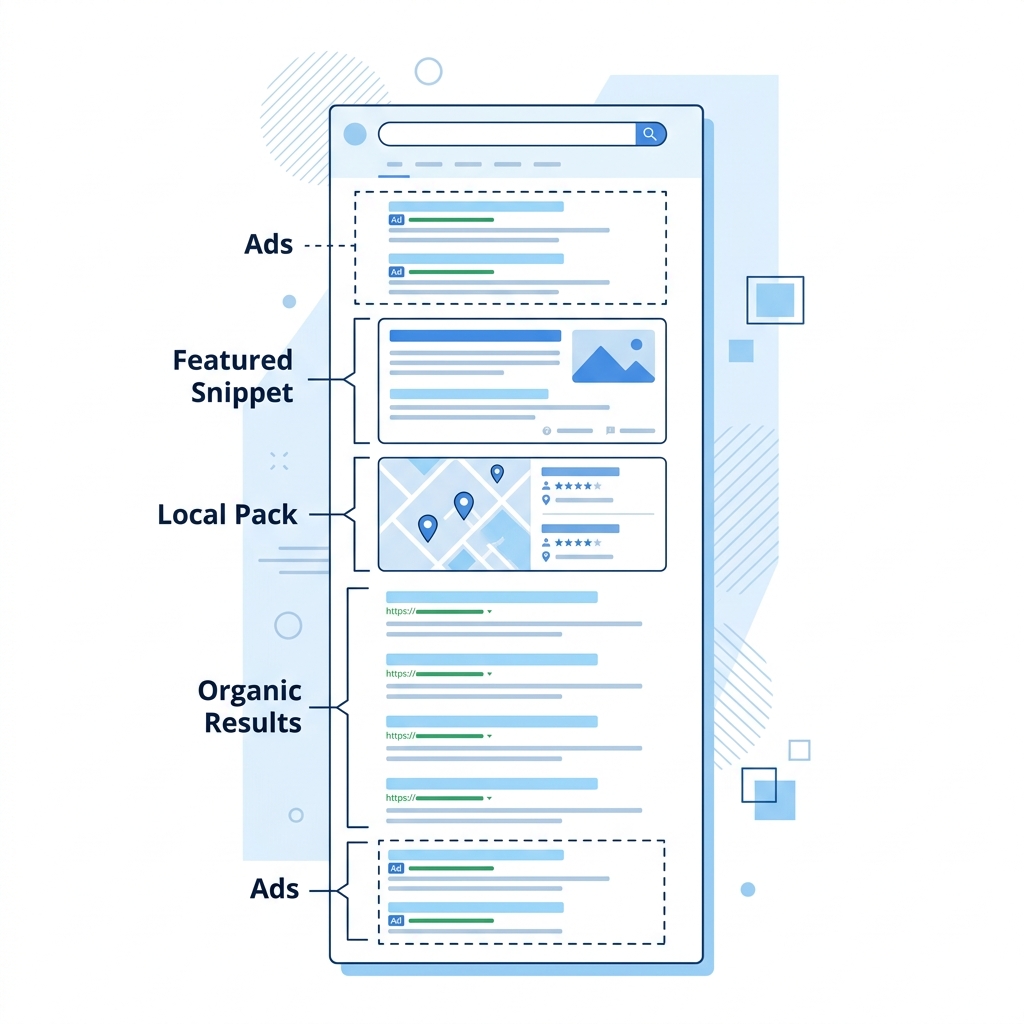
A modern Google SERP in 2026 is far more complex than "ten blue links." Here are the primary components you'll encounter:
1. Paid Search Results (Google Ads)
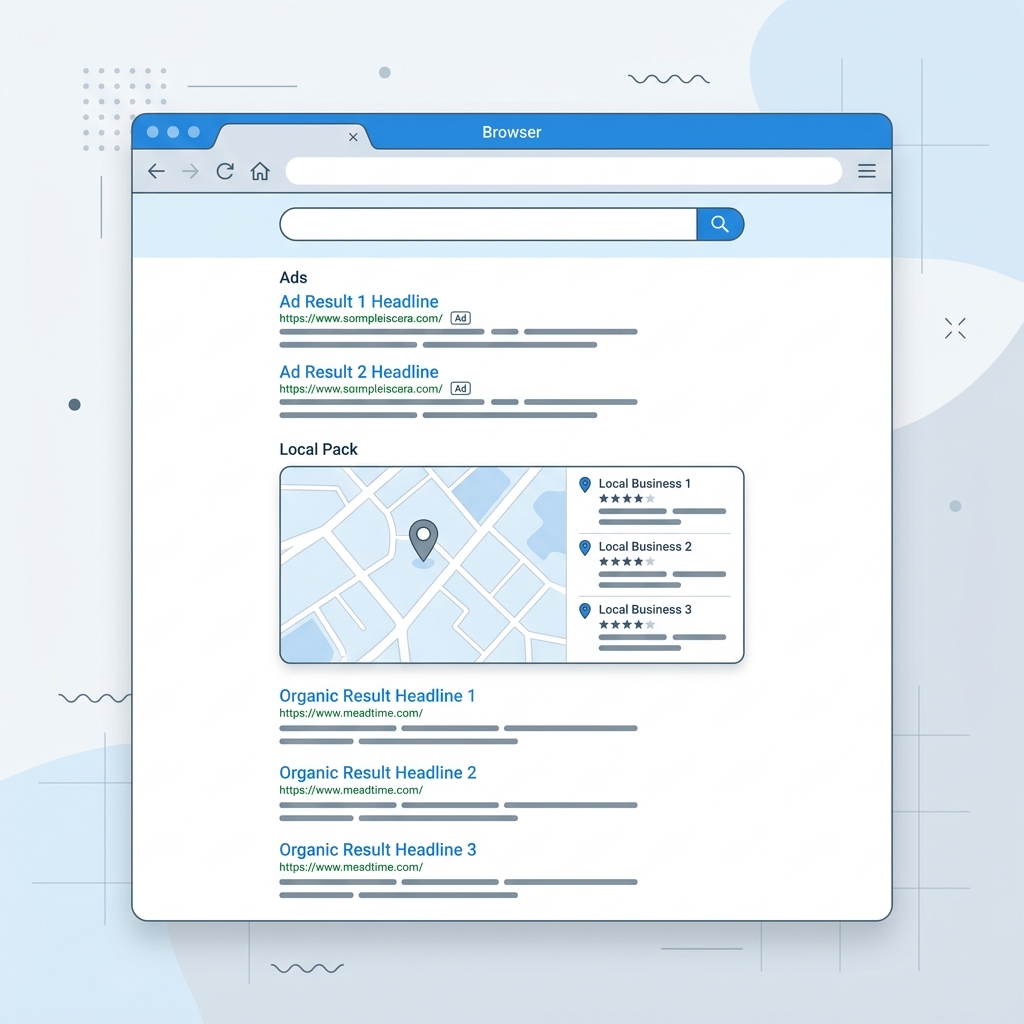
These appear at the very top of the page (and sometimes at the bottom) with a small "Sponsored" label. Advertisers pay Google each time a user clicks on one of these listings. The position of a paid ad is determined by a combination of the advertiser's bid amount, ad quality, and relevance to the search query.
2. Organic Search Results
These are the traditional "blue links" that appear below the ads. Organic results are ranked by Google's algorithm based on hundreds of factors including content relevance, backlinks, domain authority, page speed, and user engagement signals. Unlike paid results, you cannot pay to appear here—you must earn the ranking through SEO.
3. The Local Pack (Map Pack)
For searches with local intent (e.g., "dentist near me" or "pizza restaurant"), Google displays a map with three local business listings pulled from Google Business Profiles. This is called the Local Pack or Map Pack. Ranking here requires a verified Google Business Profile, positive reviews, and physical proximity to the searcher.
4. Featured Snippets
A featured snippet is a highlighted answer box that appears above the organic results (often called "Position Zero"). Google extracts a paragraph, list, or table from a webpage and displays it directly on the SERP to answer the user's question without requiring a click. Winning a featured snippet can dramatically increase your visibility.
5. People Also Ask (PAA)
This expandable accordion-style section shows related questions that other users have asked. Each question reveals a brief answer pulled from a webpage, along with a link to the source. PAA boxes are valuable because they expose your content to users who are exploring related topics.
6. Knowledge Panels
For branded or entity-based searches (e.g., "Apple Inc." or "Albert Einstein"), Google displays a large information card on the right side of the SERP. Knowledge Panels pull data from authoritative sources like Wikipedia, official websites, and Google's Knowledge Graph.
7. Image and Video Results
Depending on the query, Google may insert a horizontal carousel of images or video thumbnails directly into the SERP. Video results are especially common for "how to" queries and are predominantly sourced from YouTube.
Why SERPs Look Different for Every Search
No two SERPs are exactly alike. Google dynamically assembles each results page based on several factors:
- Query Intent: A search for "buy running shoes" triggers shopping ads and product listings. A search for "how to tie running shoes" triggers video results and featured snippets.
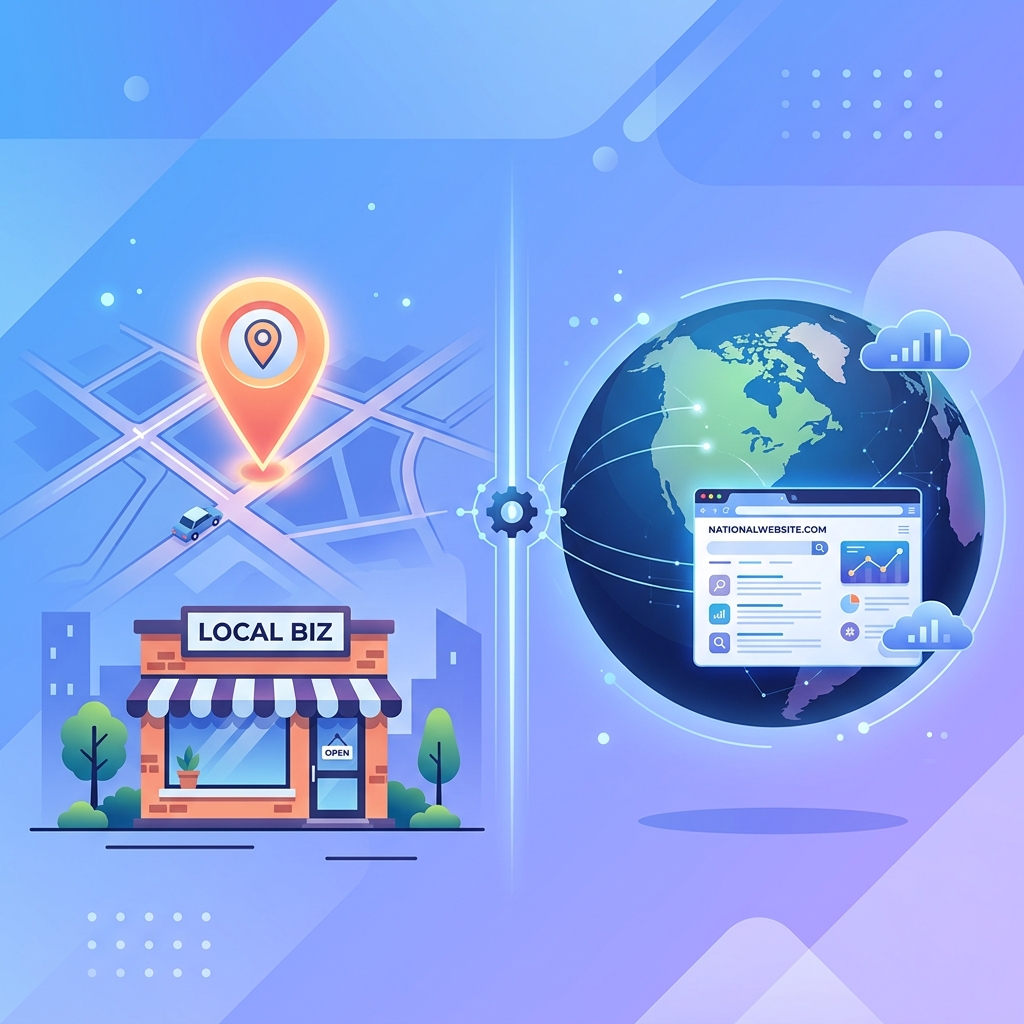
- Location: A search for "coffee shop" in New York City produces entirely different results than the same search in London.
- Device: Mobile SERPs often prioritize Local Pack results, click-to-call buttons, and AMP pages, while desktop SERPs may show more sidebar content and Knowledge Panels.
- Personalization: Google uses your search history, browsing behavior, and account settings to subtly customize results.
Why Understanding SERPs Matters for Marketers
If you are investing time or money into getting found on Google, understanding the SERP landscape for your target keywords is essential:
- For SEO professionals: You need to know which SERP features are present for your keywords. If a featured snippet dominates Position Zero, ranking #1 in organic results may not be enough. You need to optimize your content to win the snippet.
- For PPC managers: Understanding how much real estate ads occupy on a given SERP helps you estimate click-through rates and set appropriate bids.
- For business owners: Seeing the actual SERP for your services tells you exactly what your potential customers see. Are your competitors running ads above your organic listing? Is a directory site like Yelp pushing you down the page?
How SERPs Have Evolved Over Time
Google's SERP has changed dramatically since the company's founding in 1998. The original results page was literally just ten blue links on a white background. Today, the SERP is a rich, interactive dashboard featuring:
- AI-generated summaries (Search Generative Experience)
- Interactive shopping carousels
- Real-time sports scores and stock tickers
- Local business booking integrations
- "Perspectives" sections featuring user-generated content from Reddit and forums
Each new feature is designed to keep users on Google longer and answer their questions faster, which means that organic rankings alone are no longer sufficient for maximum visibility. Modern SEO requires a comprehensive understanding of every SERP feature and how to optimize for each one.
Further Reading
- For a visual, annotated breakdown of every element, see our guide: The Anatomy of a Google Search Results Page in 2026
- To understand how location changes the SERP entirely, read: Implicit vs Explicit Search Queries: Why Intent Changes Everything
- Dive deeper into the map section with: Understanding Google's Local Pack: What It Is and How to Rank
Key Takeaways
- A SERP is the page of results Google shows after a search query
- Modern SERPs contain far more than blue links—ads, Local Packs, featured snippets, PAA boxes, and Knowledge Panels all compete for attention
- SERPs vary based on query intent, location, device, and personalization
- Understanding the SERP landscape for your keywords is the foundation of effective SEO and PPC strategy
Digital marketer specializing in Local SEO and PPC. James has spent years helping businesses and agencies understand what their customers actually see on Google — and built QueryFrom to make that process faster for everyone.